Integration consultants
Xero automation consultants
Xero runs the books for most Australian businesses we work with. We connect it to the systems either side of it, so bills, invoices and payroll data move without a person in the middle.
We found $250k a year in savings for a 35-person property team.
What we build with Xero
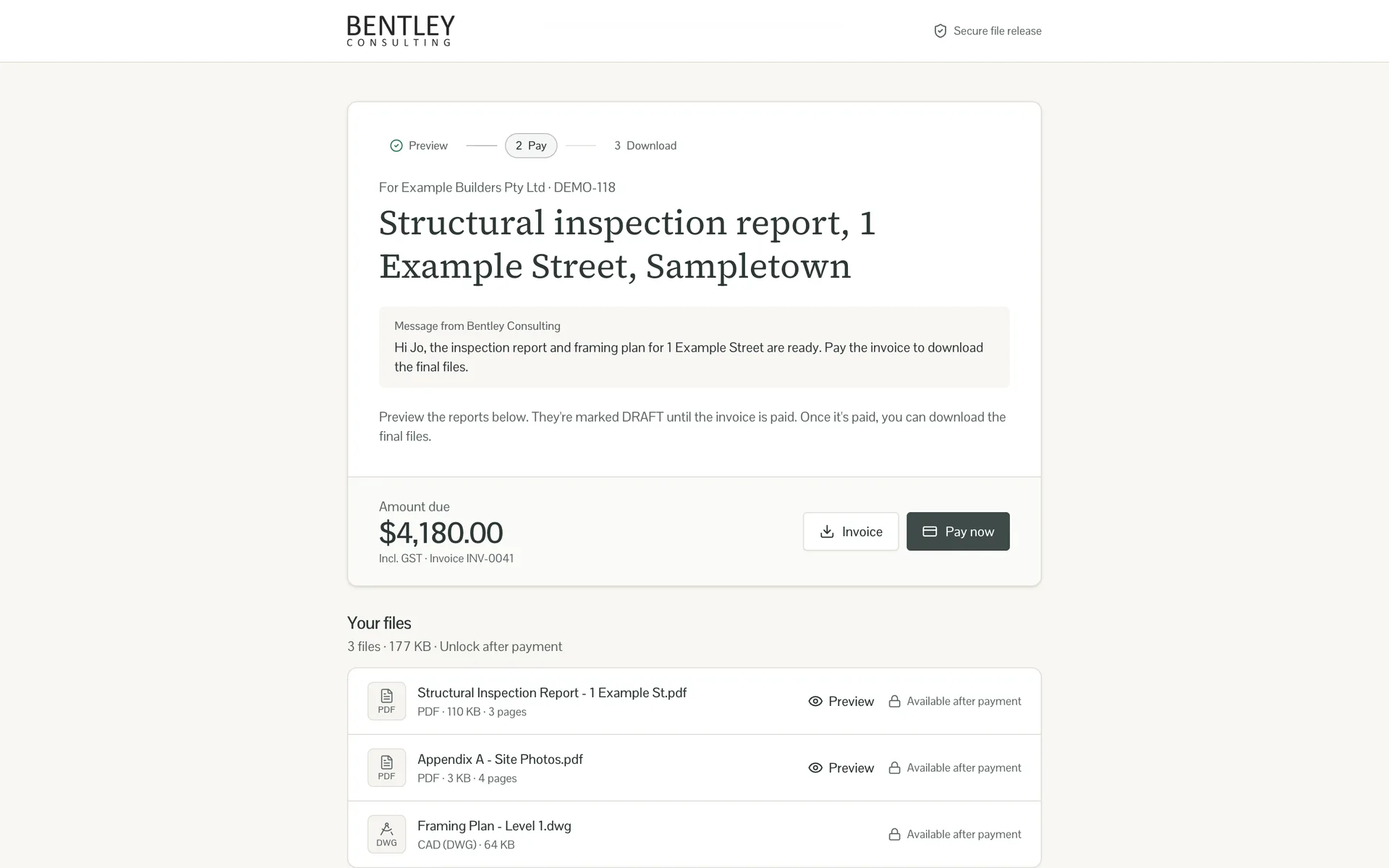
- Invoices raised in Xero from the system where the work is actually recorded
- Supplier bills captured, coded and approved without a manual data-entry step
- Reporting that combines Xero with your CRM or job system in one view
Not sure which one pays back first? A business process audit puts numbers against each of them before you commit to a build.

What you can automate with Xero
Xero is a cloud accounting platform widely used across Australia and New Zealand for invoicing, bank reconciliation, payroll, expense tracking, and financial reporting. It has become the default accounting tool for small and mid-sized Australian businesses, with most accountants and bookkeepers supporting it directly. While Xero handles core accounting well, most organisations use it in isolation. Invoices are created manually, bank transactions are reconciled one by one, and financial data is exported to spreadsheets for reporting. This manual handling creates bottlenecks, delays financial visibility, and introduces errors that are difficult to trace back through the system. Our business automation team at Osher connects Xero to the rest of your business operations. We build workflows that automatically generate invoices when projects are completed or orders are fulfilled, reconcile bank transactions against expected payments, sync customer and supplier data between Xero and your CRM, and push real-time financial metrics into dashboards your leadership team actually checks. For organisations running e-commerce, we connect Xero to platforms like Shopify so every online sale is automatically recorded with the correct revenue account, GST treatment, and customer details. No manual data entry, no end-of-month scramble to match transactions.
Ready to put Xero to work?
Fifteen minutes is enough to tell you whether Xero automation is worth building, and roughly what it costs.
Xero FAQs
Frequently Asked Questions
Common questions about how Xero consultants can help with integration and implementation
How it works
Implementing Xero
Step 1

Review Your Current Accounting Workflows
We map how financial data currently flows through your organisation: where invoices originate, how bank transactions are reconciled, which reports are generated manually, and where data is duplicated across systems.
Step 2

Connect Xero to Your Business Systems
We establish secure API connections between Xero and your CRM, e-commerce platform, project management tools, and any other systems that generate or consume financial data.
Step 3

Build Automated Invoice Workflows
Invoice generation rules are configured so invoices are created automatically when triggered by project completions, order fulfilments, or recurring billing schedules.
Step 4

Configure Bank Reconciliation Rules
Matching rules are set up to automatically reconcile bank transactions against invoices, known expenses, and recurring payments. The rules are tested against historical transactions to verify accuracy.
Step 5

Set Up Financial Dashboards and Alerts
Real-time dashboards display key financial metrics pulled directly from Xero. Alerts notify your team when invoices are overdue, cash flow drops below thresholds, or unusual transactions are detected.
Step 6

Validate, Optimise, and Train Your Team
We verify all automated transactions against manual checks, refine matching rules and categorisation logic, and train your finance team on the new workflows and exception handling procedures.
Works well with Xero
Other tools we connect and automate alongside Xero.





AI agents that use Xero
Agent builds where Xero is one of the key systems.
Xero work usually lands in system integrations, AI agent development or n8n consulting.
Get in touch
Ready to automate Xero?
Tell us what you want Xero to talk to and we’ll map out the build, the cost and the payback.