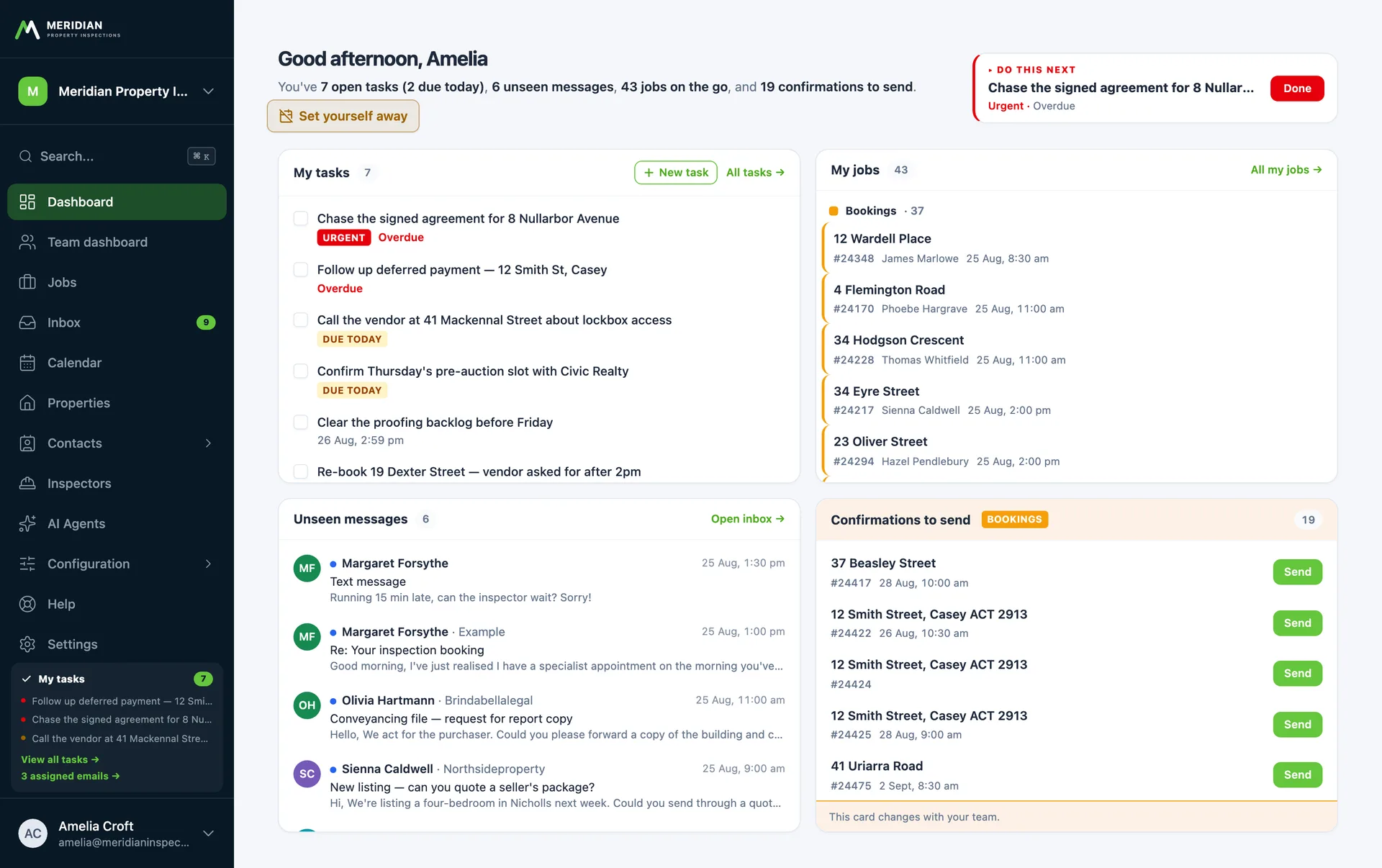
Custom scheduling built around your crews and your roads
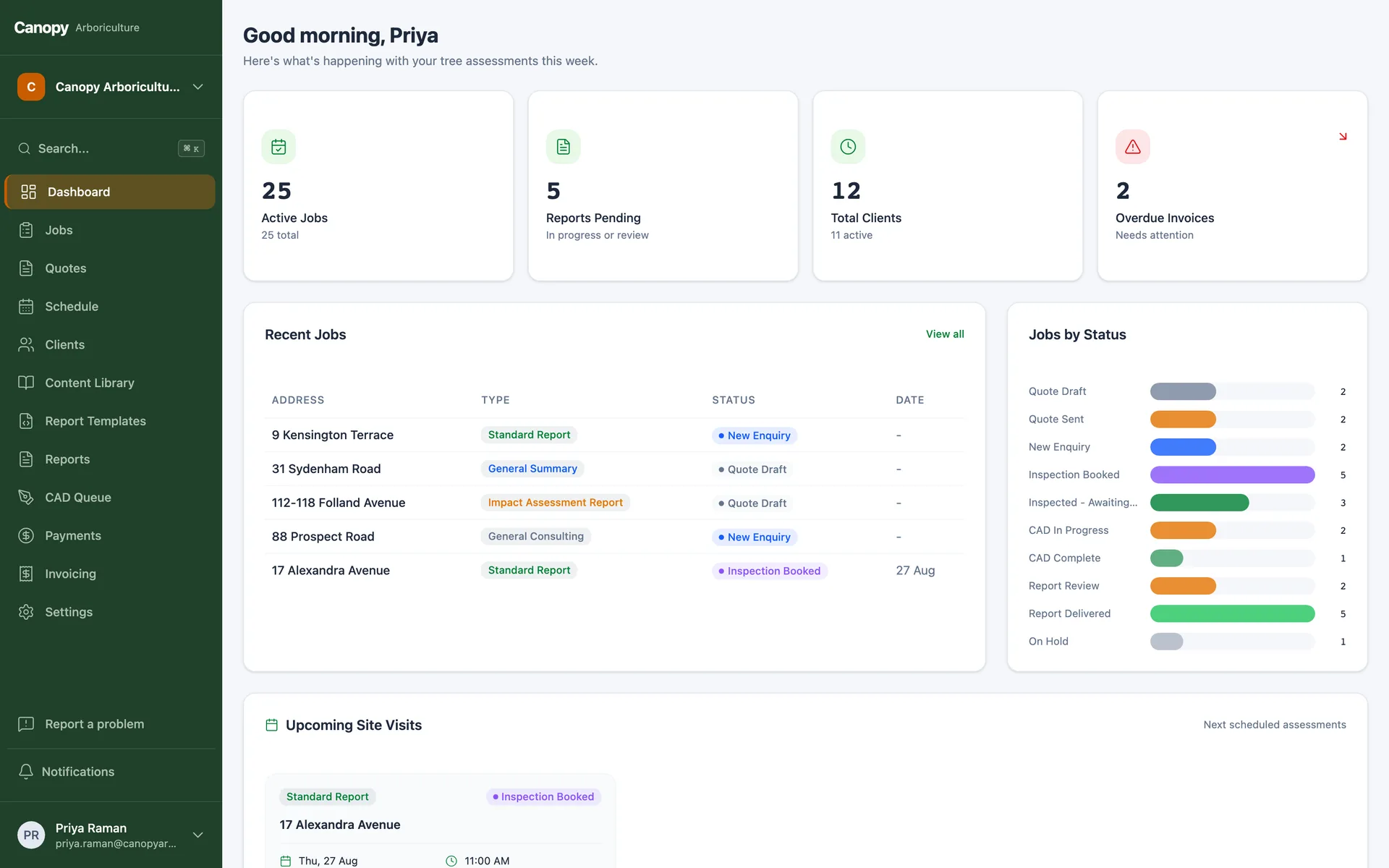
Staff calendars, bookable time slots, leave, and the drive time between site visits, so whoever books the job knows the next stop is actually reachable. Built custom, owned by you, and connected to the rest of your system. In production for Australian field businesses today.
The problem
A calendar is not a schedule
Shared calendars show when people are busy. They do not know that the 9am job is in Ipswich and the 10am is on the northside, that one inspector is on leave, or that this property is a hard one that needs your senior person.
We build scheduling that knows those things. Bookings check real travel time between consecutive stops before the slot is offered, so a cross-town sprint gets caught while the client is still on the phone. Leave and unavailability block allocation. Job difficulty can be scored from the property itself, so the right person gets the right work.
Confirmations, calendar invites and day-before reminders go out on their own, and reschedules drag to a new slot without a phone-tag afternoon.
This is a module of our custom ERP platform, not a standalone product. Start with just this module and it already sits on the full platform, accounts, security, admin and API included, so the rest of the system can arrive stage by stage, whenever you are ready.
What you get
Scheduling that knows your business
Drive-time aware booking
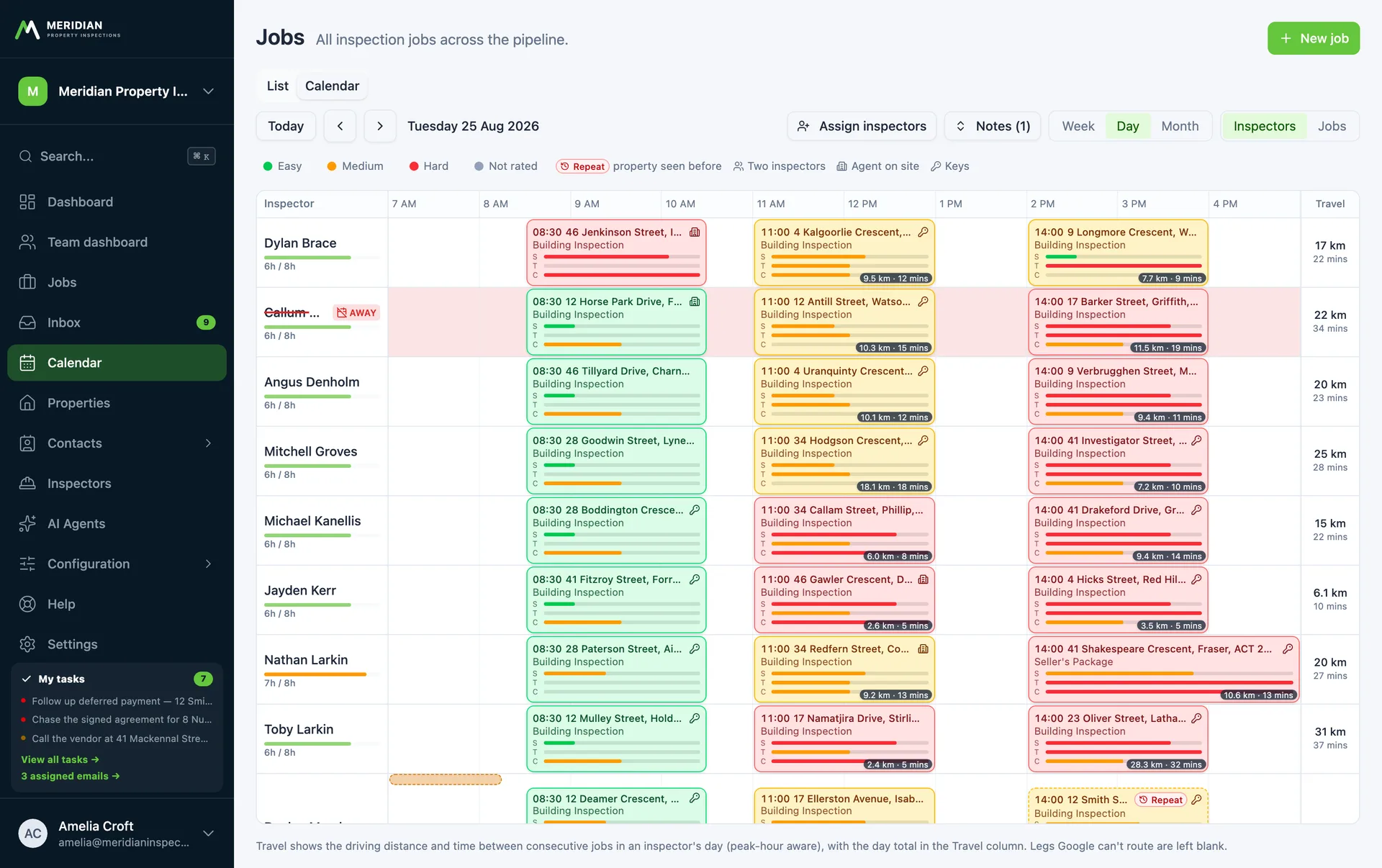
Real driving time between a person's consecutive stops, checked live while you book, with day totals so cross-town runs get flagged before they are promised.
Calendars people actually read
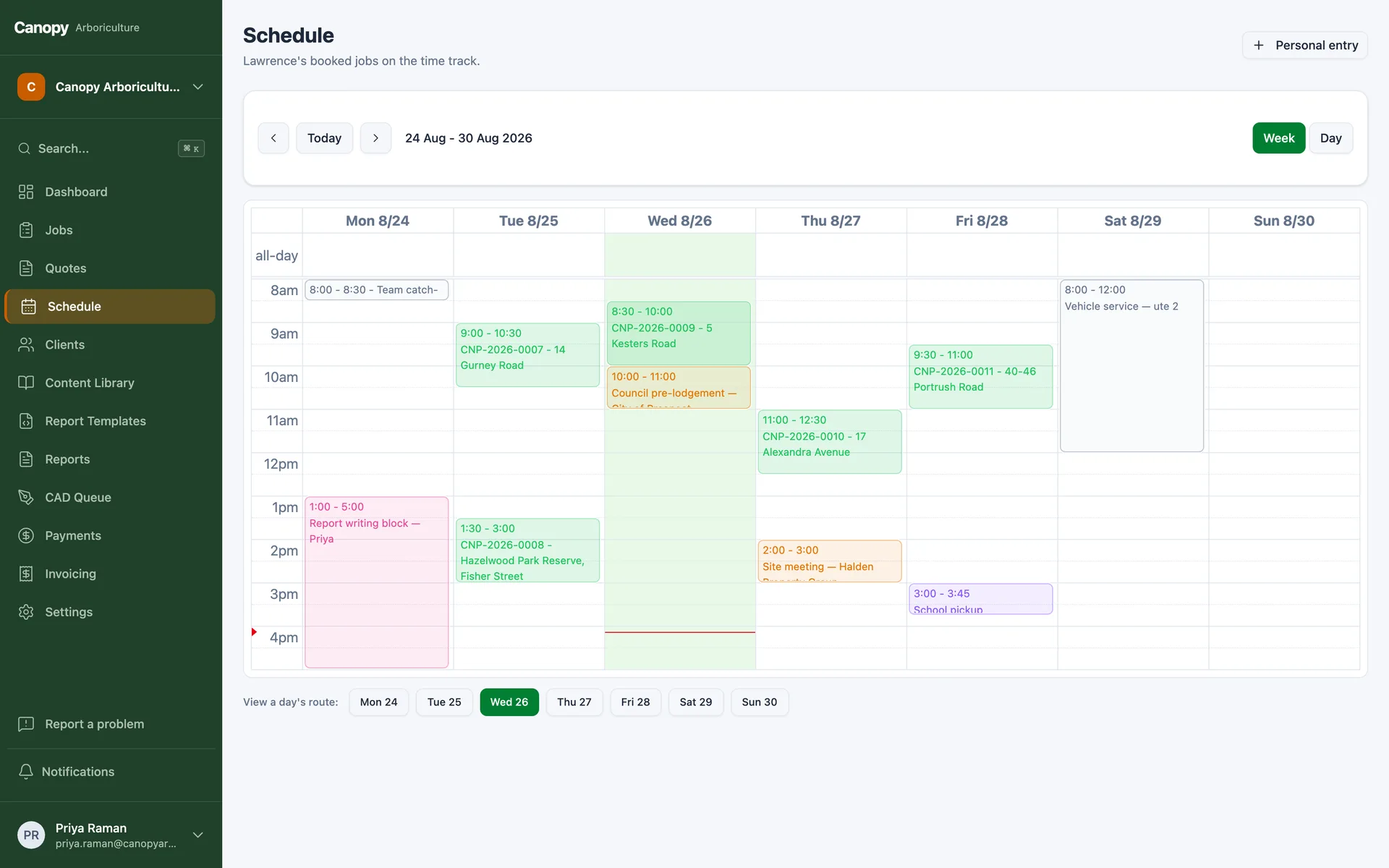
Day, week and month views across the whole team, mixing jobs with leave and block-outs, with drag to reschedule.
Invites and reminders, handled
Clients get a proper calendar invite with the confirmation. Staff get theirs when the job locks in. Day-of reminders go out at the hour you choose.
Leave and coverage
Unavailability blocks bookings automatically, and away flags surface work that would otherwise sit uncovered while someone is on holiday.
Difficulty scoring
Score jobs from real attributes, size, age, access, compliance, so allocation matches skill and the schedule stops lying about how long things take.
Your time slots, your rules
Standard slots, on-site durations per job type, working days and start locations are all settings you change yourself, not code.
AI native
Run it from Claude or ChatGPT
Every module ships on a platform with a built-in MCP server, which means AI assistants like Claude and ChatGPT can securely read and operate your system with the same permissions as a staff member. Ask where a job is up to, get a client summary before a call, or have tomorrow's follow-ups drafted, from the chat window you already use.
FAQs
Scheduling questions, answered
Pairs well with
Scheduling is one part of the loop
This page is one module of a larger system. Everything below runs on the same platform and the same records, so the modules combine without integration projects, and you can add them in any order.
Jobs and workflow
Booked jobs advance their own stage the moment the calendar changes.
Learn moreField service app
The day's run appears on the phone, with site data flowing back.
Learn moreEmail and SMS
Confirmations and reminders send themselves, and replies land on the job.
Learn moreCRM
Bookings connect to the client's whole story.
Learn moreClient portal
Clients see their booking and progress from a secure link.
Learn moreThe full custom ERP
See the whole platform your scheduling would be part of.
Learn morePut the schedule on rails
Book a free 15-minute call. Tell us how bookings work today, and we'll tell you what a build costs.
Australian-hostedPrivacy Act compliantNDAs standard