Skip to content

Field service automation, from site data to finished report

Inspectors, assessors and consultants capture data on site, then someone in the office cuts and pastes it into a report. We connect the capture app to the report, or build your own system end to end. Your team checks the draft, not the formatting.

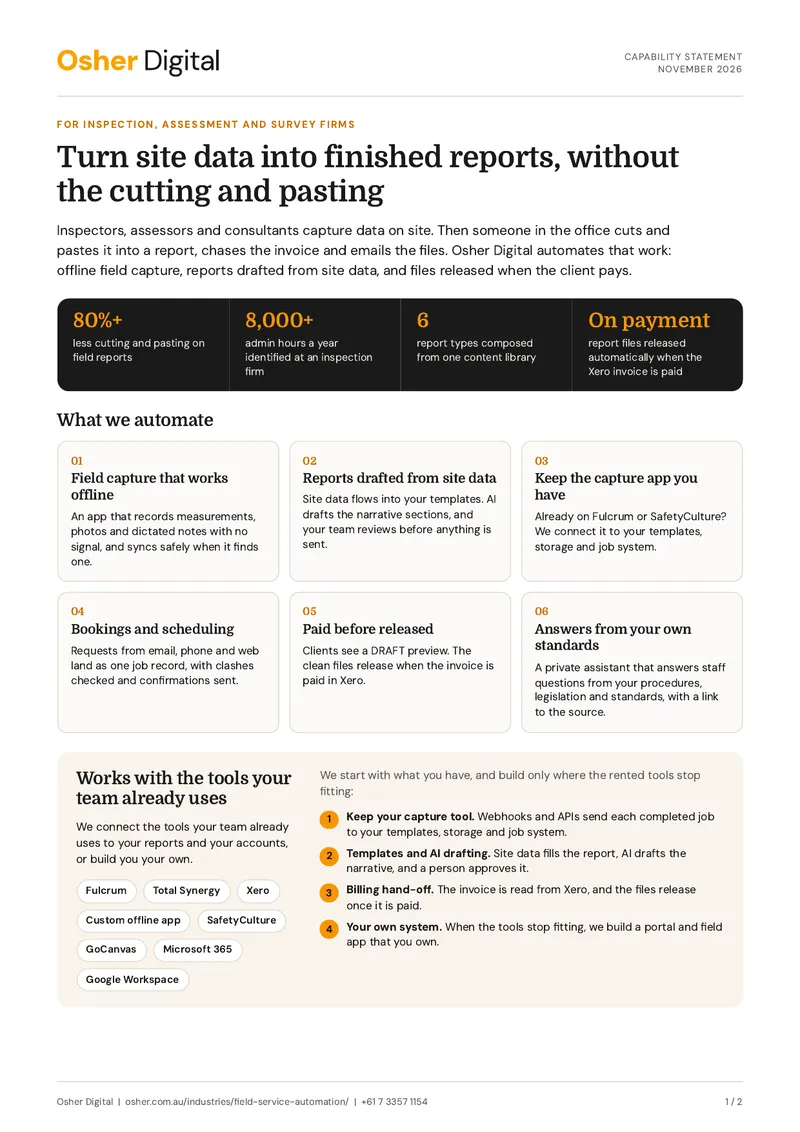
Capability statement (PDF, 2 pages)

Over 80% less cutting and pasting on reports for an Adelaide consulting arborist. Read the case study

How field service automation worksSite photos, measurements, dictated notes and booking details captured in the field become a drafted report. Your team approves it, and the files are released when the invoice is paid.osher.com.auSite photosqueued offlineMeasurementsno signal neededDictated noteson the deviceBookingjob and clientReport automationdrafts from site dataReport, 12 Example StreetDraft ready for review6 photos, 14 findingsApproved by your teambefore it is sentReleased when paidinvoice paid in Xero

What we automate

The work between the site visit and the paid report

Field capture that works offline

An app that records measurements, photos and dictated notes with no signal, and syncs safely when it finds one.

Reports drafted from site data

Site data flows into your templates. AI drafts the narrative sections, and your team reviews before anything is sent.

Keep the capture app you have

Already on Fulcrum or SafetyCulture? We connect it to your templates, storage and job system.

Bookings and scheduling

Requests from email, phone and web land as one job record, with clashes checked and confirmations sent.

Paid before released

Clients see a DRAFT preview. The clean files release when the invoice is paid in Xero.

Answers from your own standards

A private assistant that answers staff questions from your procedures, legislation and standards, with a link to the source.

Field tools

Works with the tools your team already uses

We connect the tools your team already uses to your reports and your accounts, or build you your own.

Systems we work with

  • Fulcrum
  • Total Synergy
  • Xero
  • Custom offline app
  • SafetyCulture
  • GoCanvas
  • Microsoft 365
  • Google Workspace

We start with what you have, and build only where the rented tools stop fitting:

  1. Keep your capture tool. Webhooks and APIs send each completed job to your templates, storage and job system.

  2. Templates and AI drafting. Site data fills the report, AI drafts the narrative, and a person approves it.

  3. Billing hand-off. The invoice is read from Xero, and the files release once it is paid.

  4. Your own system. When the tools stop fitting, we build a portal and field app that you own.

Case studies

Examples from our field services work

A Custom Inspection Management Portal for a Building and Pest Firm

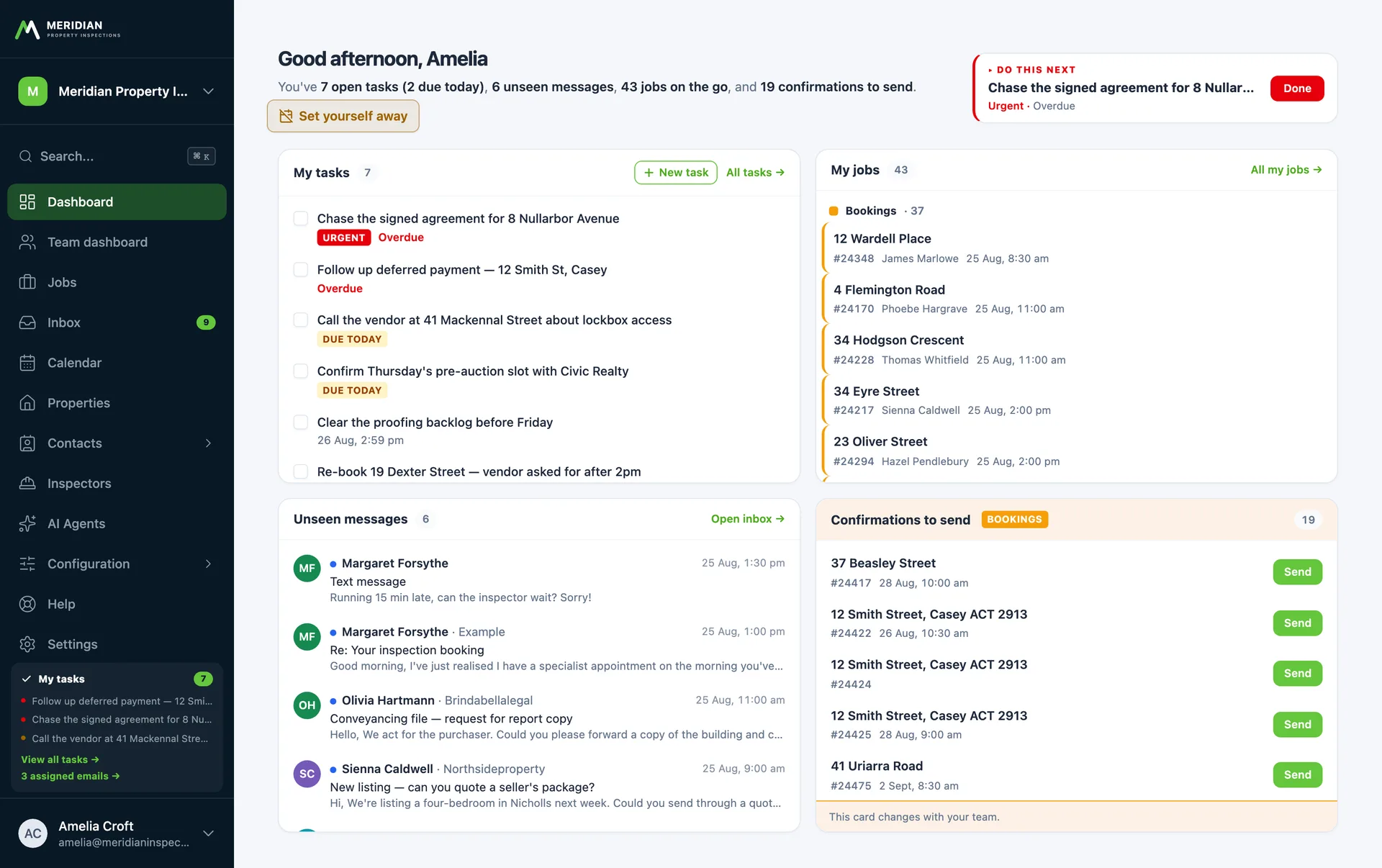
This Canberra inspection firm runs every booking through five teams and four outside parties. Osher Digital replaced their legacy booking system with a portal that carries the whole process: parallel team checklists on every job, route-aware scheduling, the shared mailbox filed against jobs, and in-house AI assistants that answer from the firm's own documents.

A Pay-to-Release Report Portal for an Engineering Consultancy

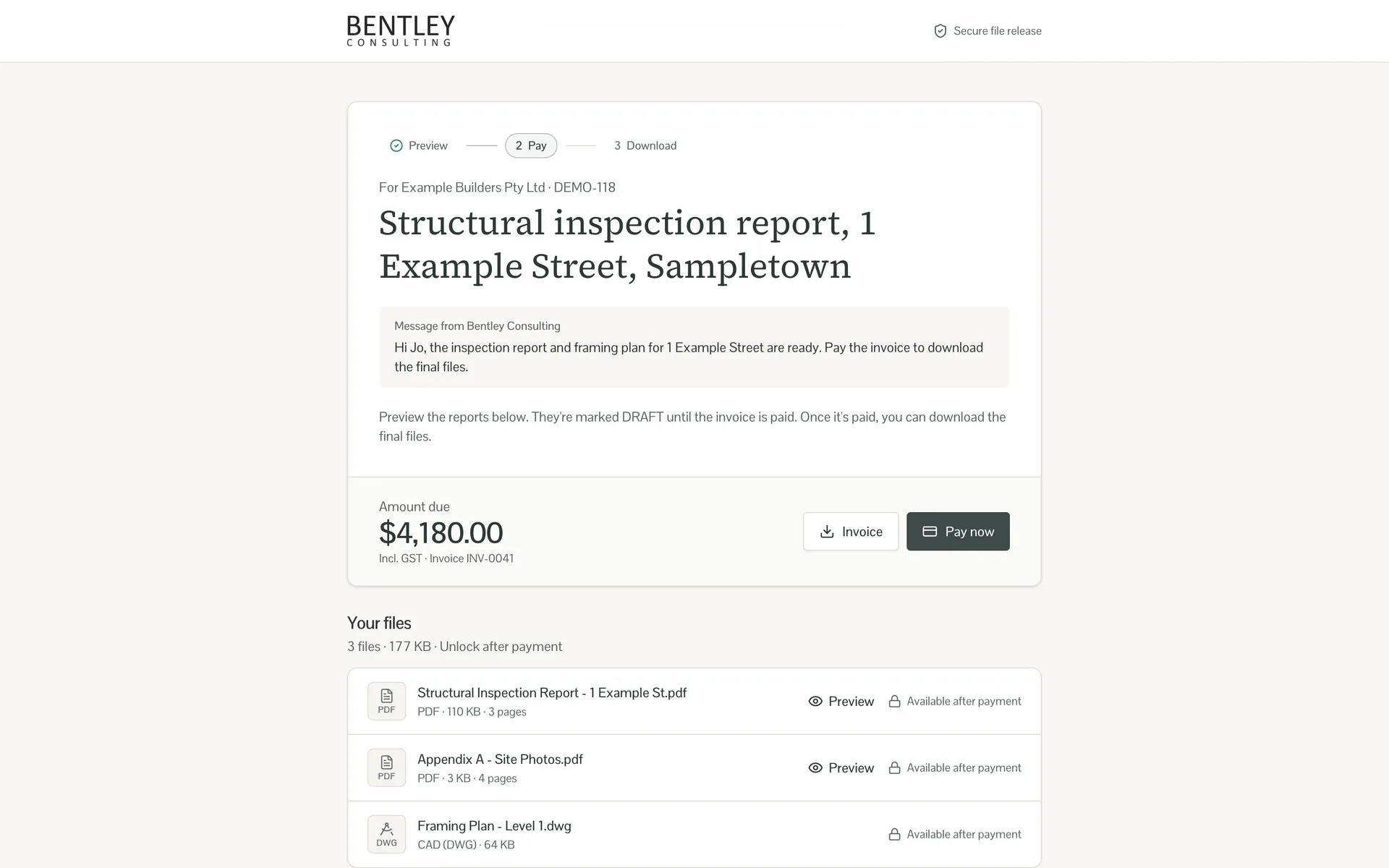
This engineering consultancy emailed its reports, drawings and Xero invoice together, so clients had the work before they had a reason to pay. Osher Digital built a portal that reads the invoice, shows the client a DRAFT-stamped preview, and releases the clean files as soon as the invoice is paid in Xero.

Automating Report Generation for Field Services

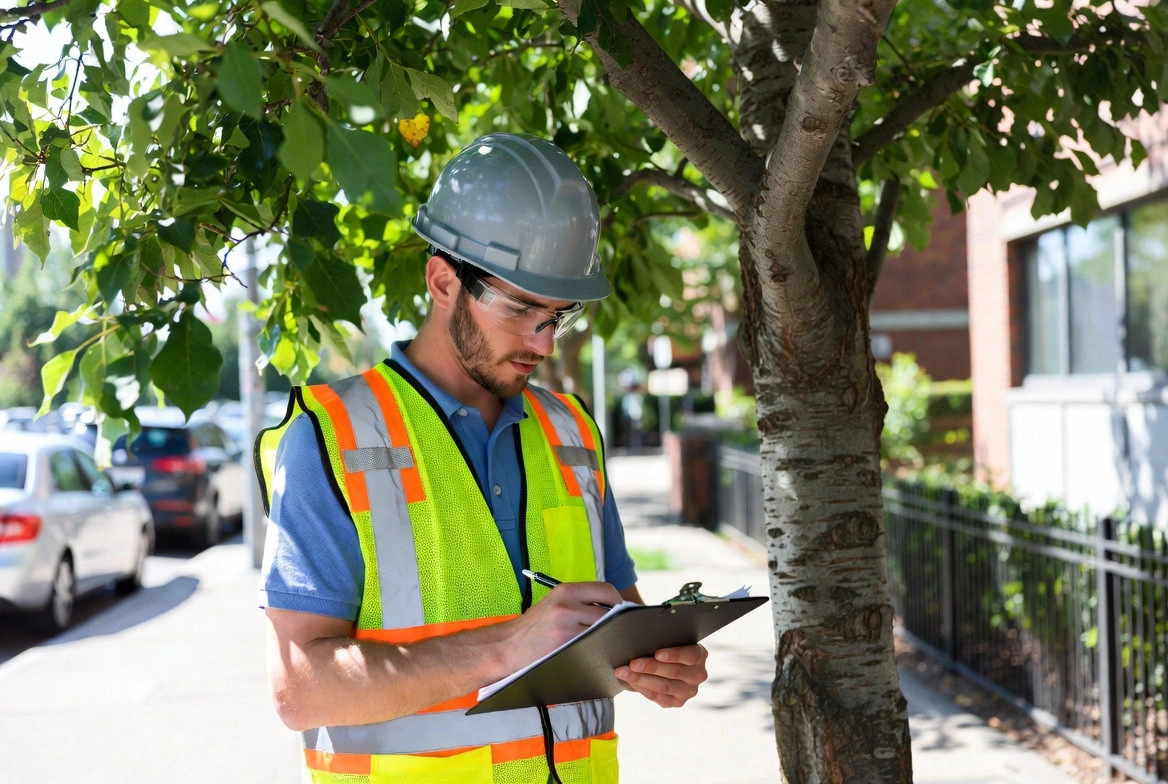
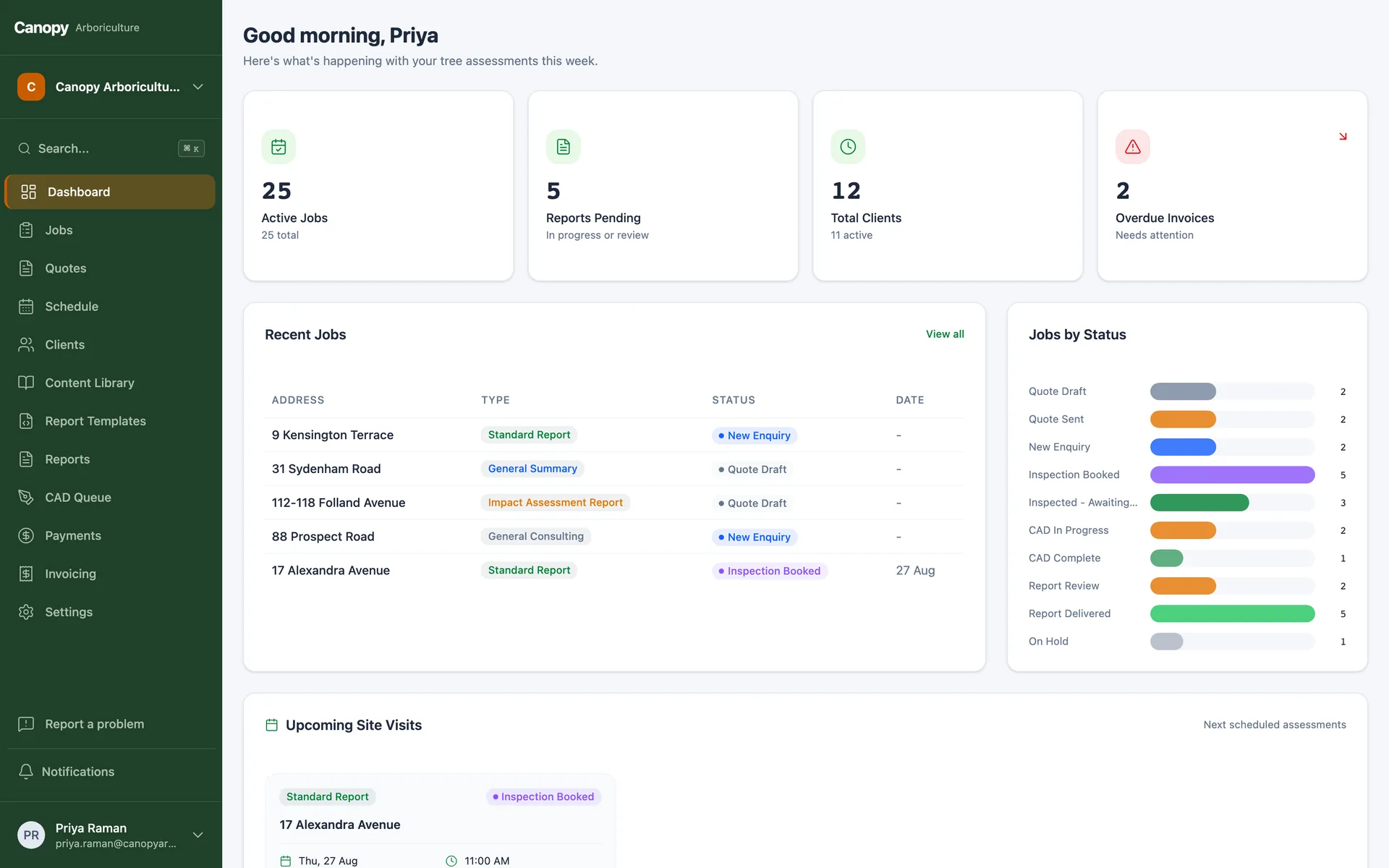
A consulting arborist in South Australia faced a manual report generation process that involved extensive cutting and pasting from Fulcrum into Word documents for four report types. Osher Digital implemented an automated workflow using webhooks, dynamic templating, and AI-assisted drafting, reducing manual efforts by over 80% and enabling the client to handle more jobs at higher prices.

$250k in Annual Cost Savings Identified for Property Inspection Company

A property inspection company faced manual data entry, duplicated efforts and a $2.5 million receivables backlog across its 35-person team. Osher Digital conducted a business process audit and developed a six-month automation roadmap. This initiative aimed to centralise data in a cloud CRM, automate repetitive tasks and recover lost efficiency, projecting savings of over 8,000 admin hours and $250,000 in annual costs.

Self-Hosted AI RAG Agent for Internal Knowledge

A building inspection company engaged Osher Digital to develop a self-hosted AI retrieval-augmented generation (RAG) question-and-answer agent. The agent, accessible via full-screen interface or chat bubble on the company intranet, handles staff queries using the internal knowledge base, government legislation, and ISO standards.

Capability statement

The two-page version, for your directors or operations lead

What we automate, the tools we work with, our case studies and how a project runs, on two A4 pages.

Download the capability statement

PDF, 2 pages. No email needed. Or book a 15-minute call.

Built for the field

Built for the field, not the demo

On site

  • Capture works with no signal
  • Photos upload on their own queue
  • Notes dictated on the device

In the office

  • AI drafts land in an editor for review
  • Standards wording edited once, used everywhere
  • Every report traces back to its site data

Your data

  • Hosted in Australia
  • You own the code when we build your system
  • History moved out of the old tool

How it works

How a project runs

  1. A 15-minute call

    Show us one finished report and the data it starts from.

  2. A clear quote

    We tell you which approach fits and what it costs, including upkeep.

  3. Built on your jobs

    We map your templates and test with past jobs before go-live.

  4. Go-live and tuning

    We train your team and tune the drafts and checks on real jobs.

Articles

Further reading for field teams

FAQs

Field service automation questions, answered

Yes. A completed job triggers a webhook, the data fills your templates, photos go to storage, and a draft report goes to your team for review. We built exactly this for an Adelaide arborist on Fulcrum.

No. Most projects start by connecting the app you already use. We build your own app only when the rented tool stops fitting, for example when it fails without signal or its per-seat bill keeps growing.

Yes. The apps we build keep their own database on the device, so capture works with no signal. Changes sync safely when a network appears, and photos upload on their own queue.

AI drafts the narrative sections from site data and your standards wording. Every draft lands in an editor, and your team approves it before it is sent.

Yes. The client sees a DRAFT-stamped preview and the list of files. The clean files release automatically when the invoice is paid in Xero.

You do. When we build your system, the code is yours, and it runs on infrastructure you control.

Testimonials

What field services clients say

“We were running quoting, scheduling and invoicing across multiple separate systems and various spreadsheets, and it had started to cost us time and money in double-handling. Osher Digital built us an AI-first custom ERP portal that now runs the whole job lifecycle in one place, Matthew was easy to deal with and stayed involved throughout the project. Recommend them.”

Robert Lowe

CEO at ACT Property Inspections

Lawrence Mitchell
“Osher Digital has really helped me automate the parts of my business that were critical to automate. My copy and paste days have been reduced by around 80%.”

Lawrence Mitchell

Consulting Arborist at LSM Tree Advice

Get the evenings back

Book a free 15-minute call. Show us one finished report, and we'll tell you what fits and what it costs.

Australian-hostedPrivacy Act compliantNDAs standard