Skip to content

Every file on the job, every version, findable

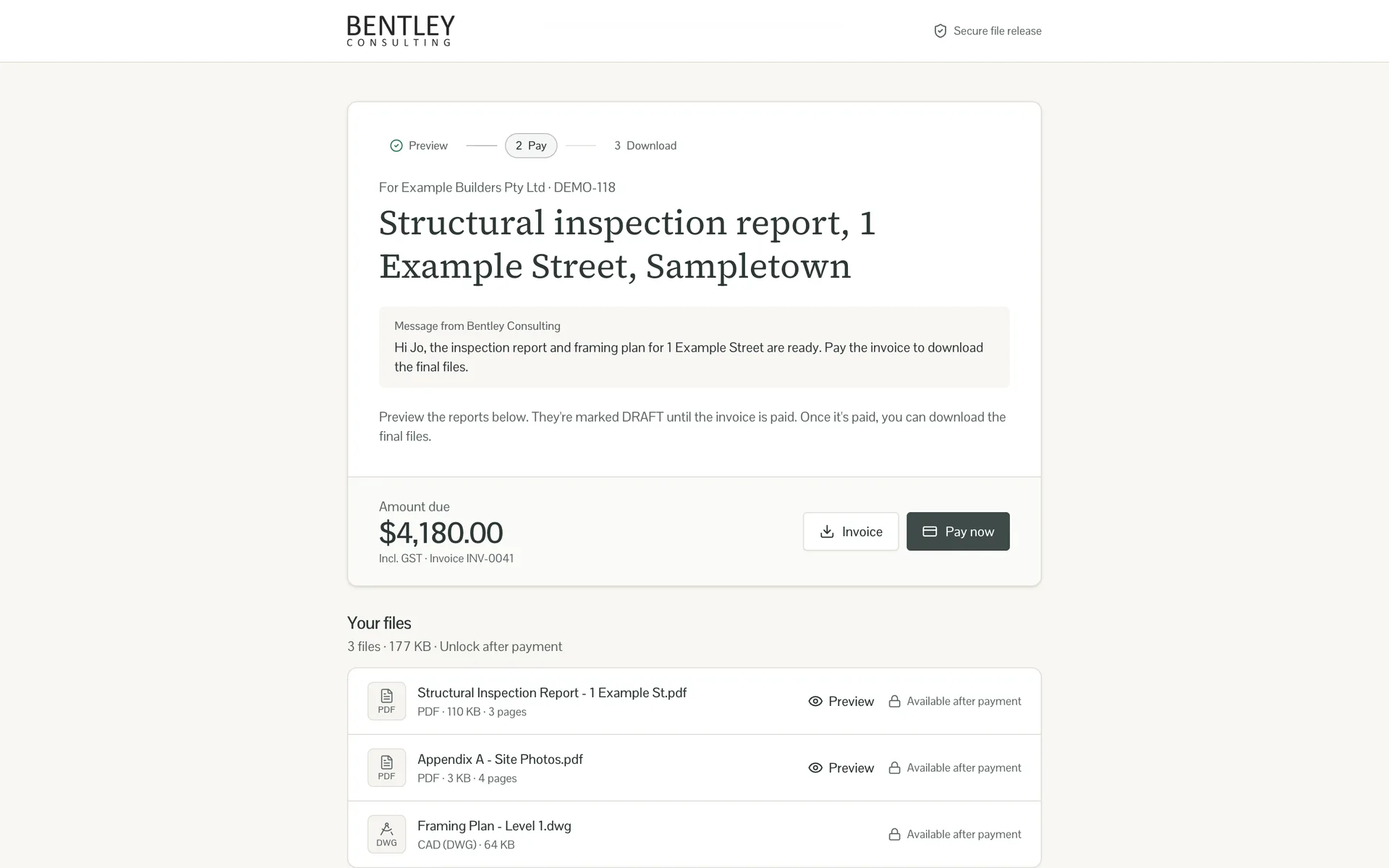
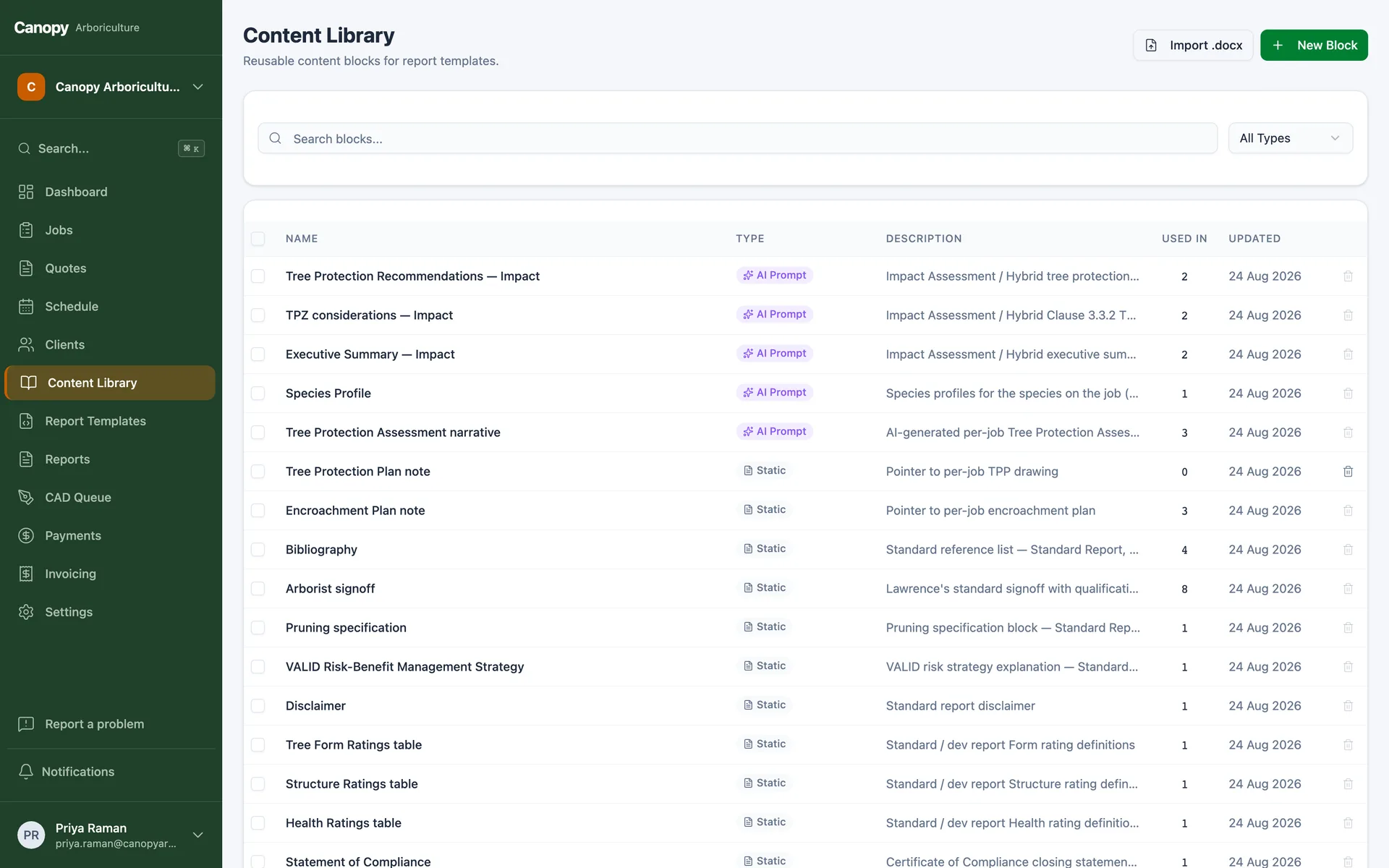
Document management that lives inside your job system instead of beside it. Folders per job, version history on every re-upload, markup for plans and photos, and mirroring to SharePoint if that is where your business already lives. Nothing gets lost, and nothing gets overwritten.

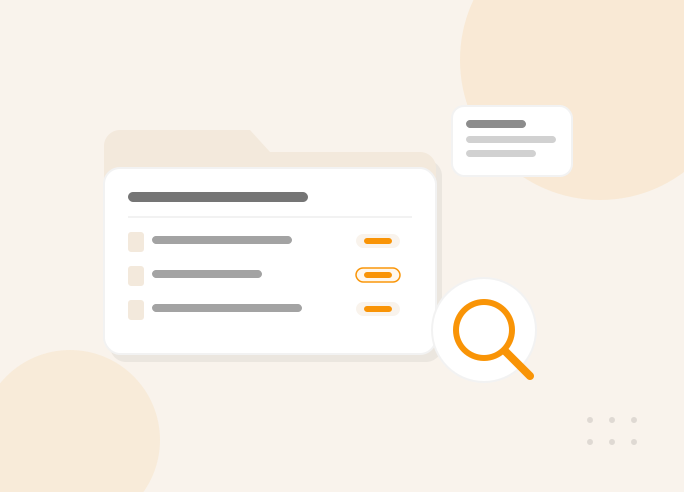
Illustration of a document management system with folders, version history and search

The problem

The file is somewhere

Somewhere is a shared drive with four folder conventions, an email attachment from March, and a desktop called FINAL_v2_ACTUAL. Meanwhile a client is on the phone asking for a certificate from two years ago.

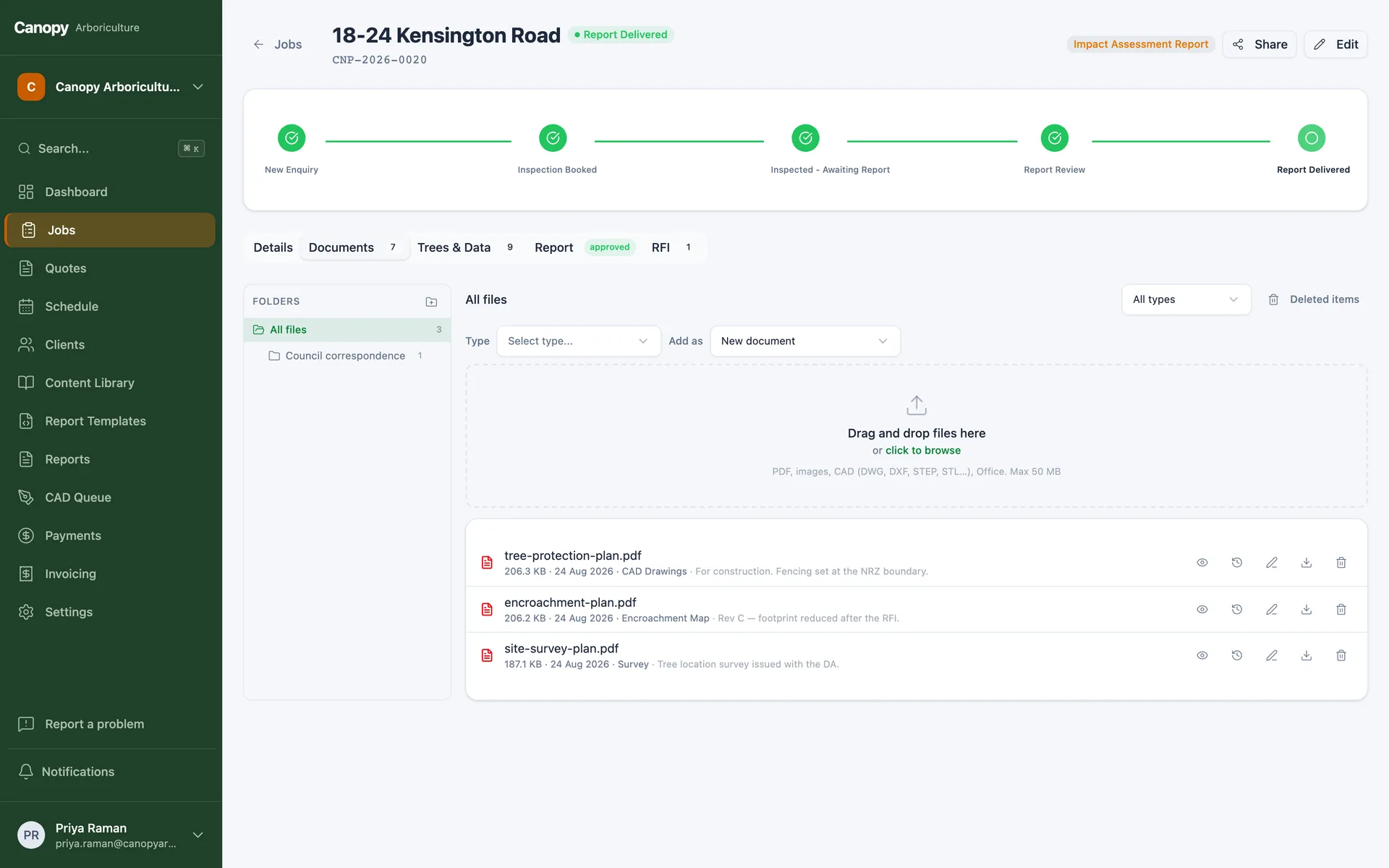
We build document handling into the job itself. Every file lands on the job it belongs to, in folders that follow your structure, with the version history kept every time someone re-uploads. A recycle bin catches accidents. Search finds things by job, client, type or name.

Where a business already lives in SharePoint or OneDrive, the system mirrors its filing there automatically, in the folder structure your team already knows, so the old world and the new one stop drifting apart.

This is a module of our custom ERP platform, not a standalone product. Start with just this module and it already sits on the full platform, accounts, security, admin and API included, so the rest of the system can arrive stage by stage, whenever you are ready.

What you get

Filing that does itself

Everything on the job

Files attach to jobs and clients, not to a shared drive. The certificate from two years ago is three clicks from the client's record.

Versions, not overwrites

Re-uploading a file keeps the old one underneath. The clean original survives every markup, and FINAL_v2 dies out on its own.

View and mark up in the browser

PDFs, photos and plans open without downloading. Arrows, circles and notes go on as an overlay, and the untouched original stays underneath.

SharePoint mirroring

Every job's files mirror to your SharePoint or OneDrive tree automatically, in the structure your team already uses.

Forms that fill themselves

Standard PDFs, government forms, order forms, compliance paperwork, fill from job data and attach ready to send, instead of being typed again.

A recycle bin, because humans

Deleted files sit recoverable before anything is final. The worst Friday-afternoon click becomes a Monday-morning restore.

AI native

Run it from Claude or ChatGPT

Every module ships on a platform with a built-in MCP server, which means AI assistants like Claude and ChatGPT can securely read and operate your system with the same permissions as a staff member. Ask where a job is up to, get a client summary before a call, or have tomorrow's follow-ups drafted, from the chat window you already use.

FAQs

Document management questions, answered

SharePoint is good storage and bad workflow. The build keeps SharePoint as the file home your IT policy expects, while the job system does what SharePoint cannot, attach files to jobs, keep versions straight, drive markup and fill forms from data. The mirror keeps both true.

Give every file a home

Book a free 15-minute call. Tell us where files hide today, and we'll tell you what a build costs.

Australian-hostedPrivacy Act compliantNDAs standard